|
iQue Forecyt® Reference Guide (Version 10.0)
|
Draw Curve Fit/Show Fit Properties for Selection
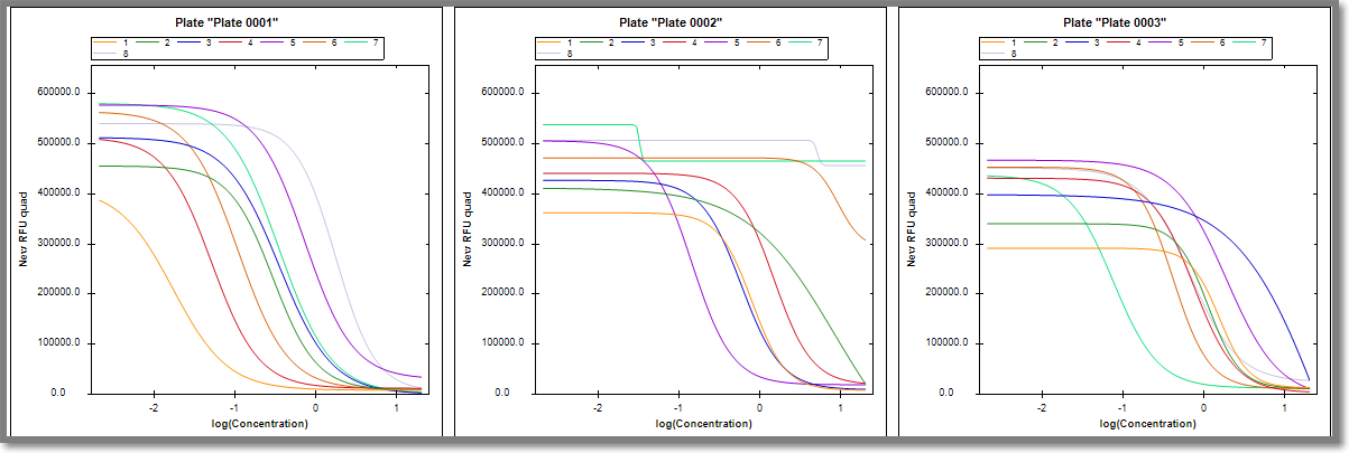
By default Draw Curve Fit (if available) is unchecked. All fitting information comes from iQue Forecyt® and cannot be updated in Panorama. If you check Draw Curve Fit, and curve information was generated in iQue Forecyt®, Panorama will display it. If no fit information is available and you check the Draw Curve Fit box, Panorama displays a message in the graph that no fit information is available.
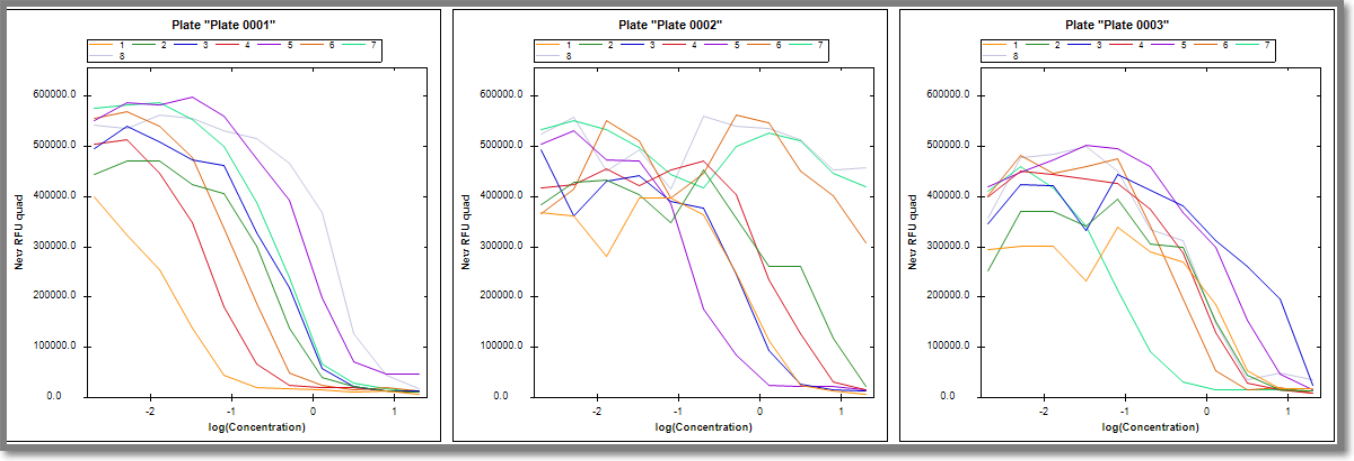
The following screenshot shows a plate graph where curve and fit are not selected. In the screenshot below, see how the graph changes when Draw Curve Fit and Show Fit Properties for Selection are checked.
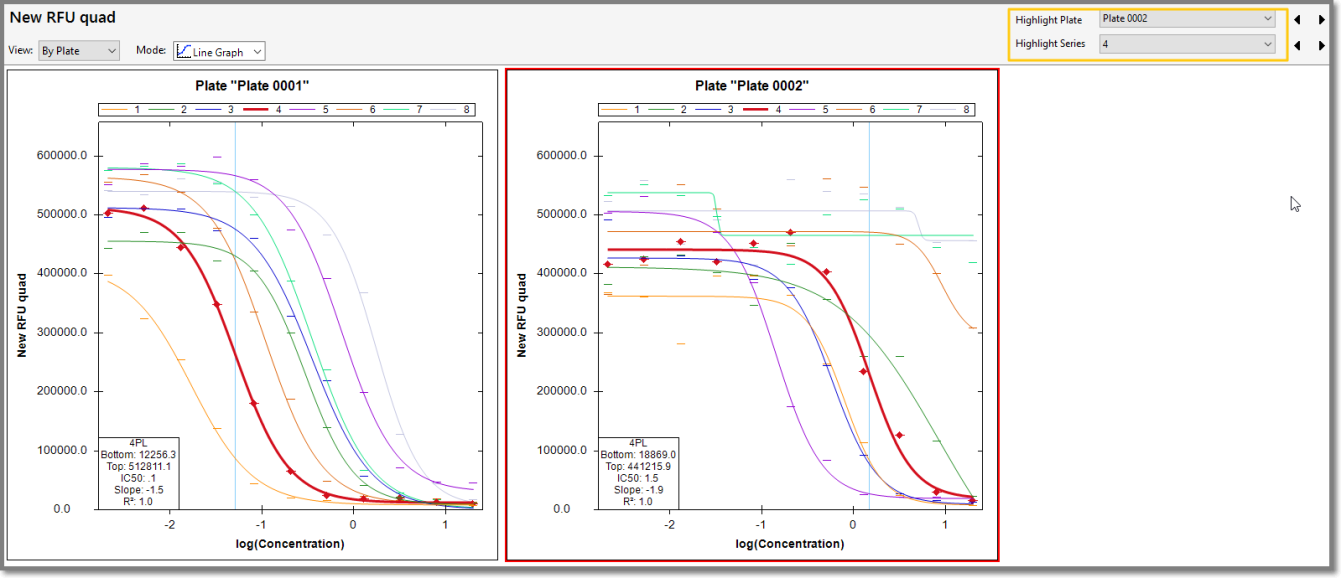
As shown in the following screenshot, if you click on Highlight Series, the line for that series is bolded and information is displayed in a box in the lower corner.