|
iQue Forecyt® Reference Guide (Version 10.0)
|
Series Right-Click Functions
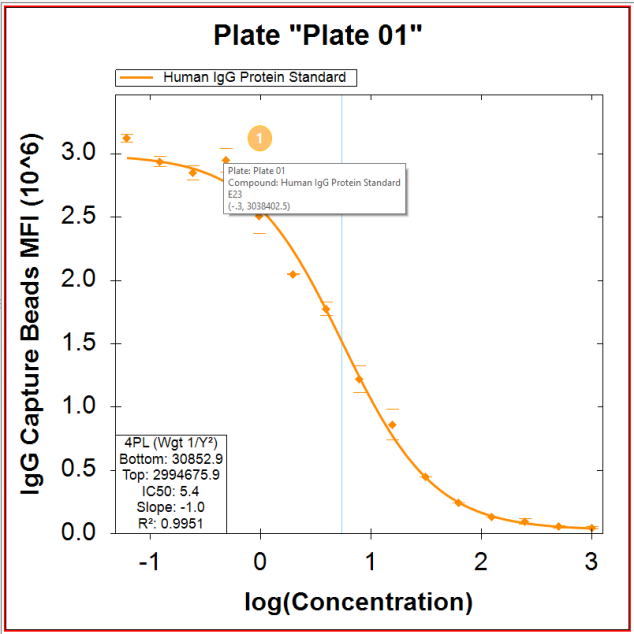
In the following screenshot, a tool tip hover on a line in the plot reveals the Plate Number/Name and other information. (1) You can do this with all the graph lines in Series Viewed by Plate and Viewed by Series. This can be useful if you want to see the details related to a point you think is an outlier.
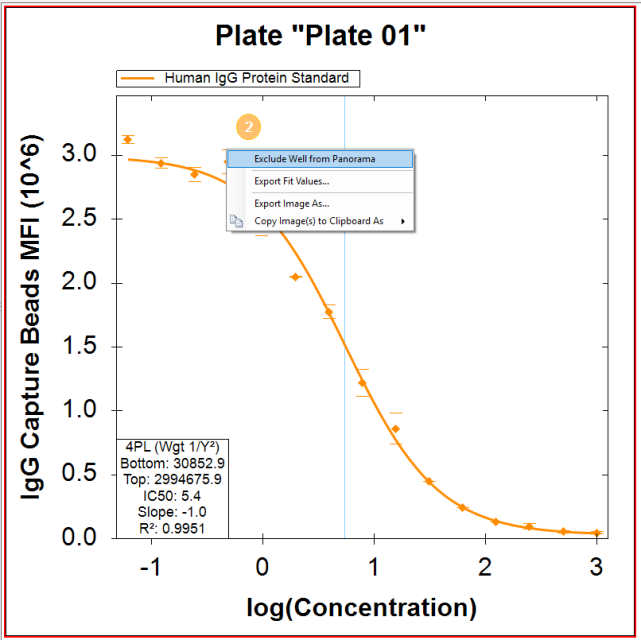
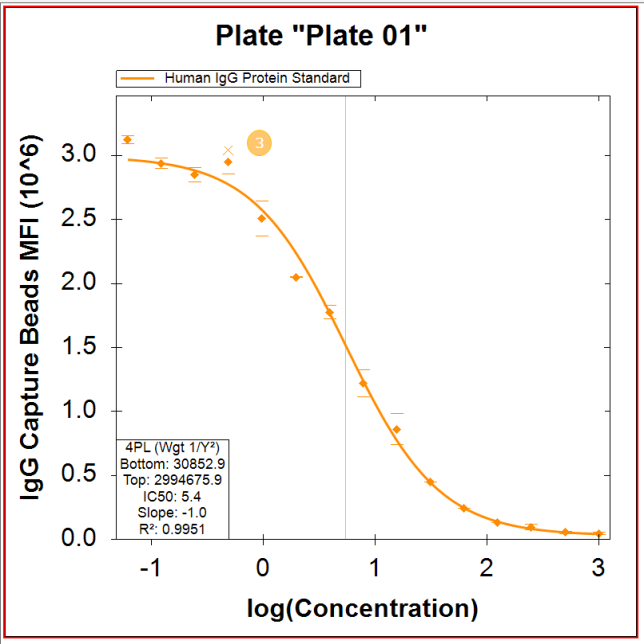
If your Series has replicates, you can Exclude Point by right-clicking directly (and we do mean directly) on a point to exclude the point from Panorama (2) (If your tool tip hover and right-click just brings up Export Fit, try maneuvering closer to the point and try again. iQue Forecyt® puts a tiny X where the point was excluded, (3). After a point has been excluded, the Include Point option is enabled in the right-click menu.
The following screen shots shows this process. iQue Forecyt® puts a red line around the selected plate.
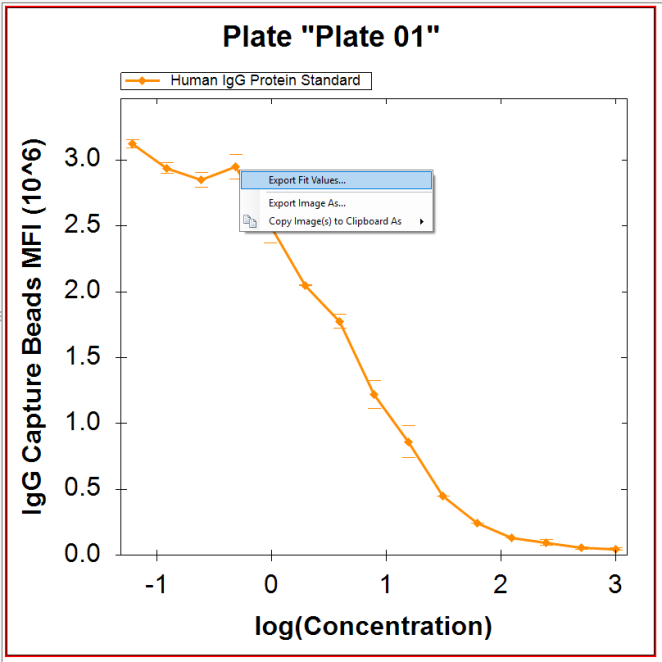
If your Series does not have replicates, when you right-click on a point you can Export Fit Values to a .csv file, as shown in this screenshot. You can also Copy the plate to another document such as a lab notebook.