|
iQue Forecyt® Reference Guide (Version 10.0)
|
Quality Control
About Quality Control
iQue Forecyt® Automatic QC streamlines quality control testing on iQue® platform and provides a QC History Viewer that lets you review performance data for all of your tested instruments. Instead of using Template (.IET) or Experiment (.IEX) files to run quality control tests. Automatic QC runs tasks sequentially in the background so you don't have to be present for each step as with manual QC. You simply place the QC beads in the holder and go about your other tasks in the lab. Another advantage are the automated reports with trend graphs over time that chart instrument performance. In addition because Automatic QC runs in the background, you are also free to work with iQue Forecyt® . However, it is not possible to run an experiment while the Controller is busy.
Each lot of validation particles (QC Beads) includes a Bead Lot Template (BLT) file that provides the necessary QC setup information for the bead lot. Bead Lots are specific to the iQue® platform instrument. Wizards guide you through the process.
Note: Automatic Quality Control is available only on the iQue® Screener Plus and iQue® 3.
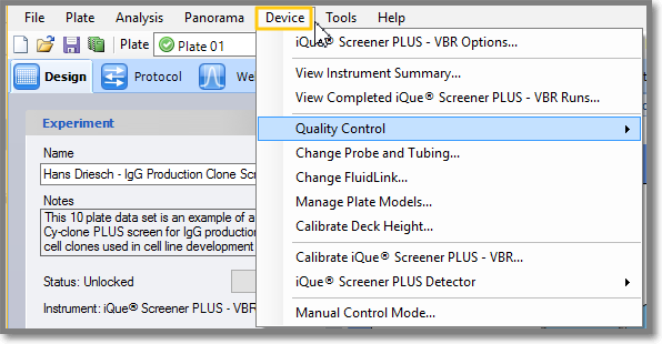
You access Quality Control through Device on the Menu Bar.
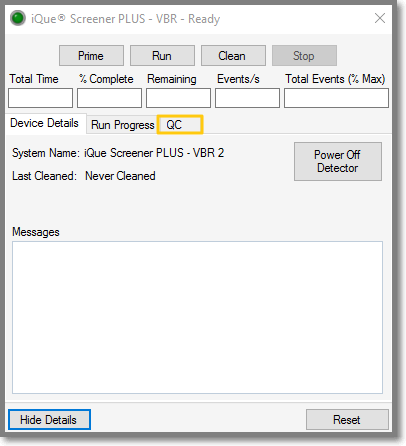
You can also access it through the Controller.