|
ForeCyt Reference Guide (Version 8.1)
|
Add Well Level/Plate Level Data Grid
Add Well Level grid opens a check box dialog that allows you to select specific well data to add to the Grid View.
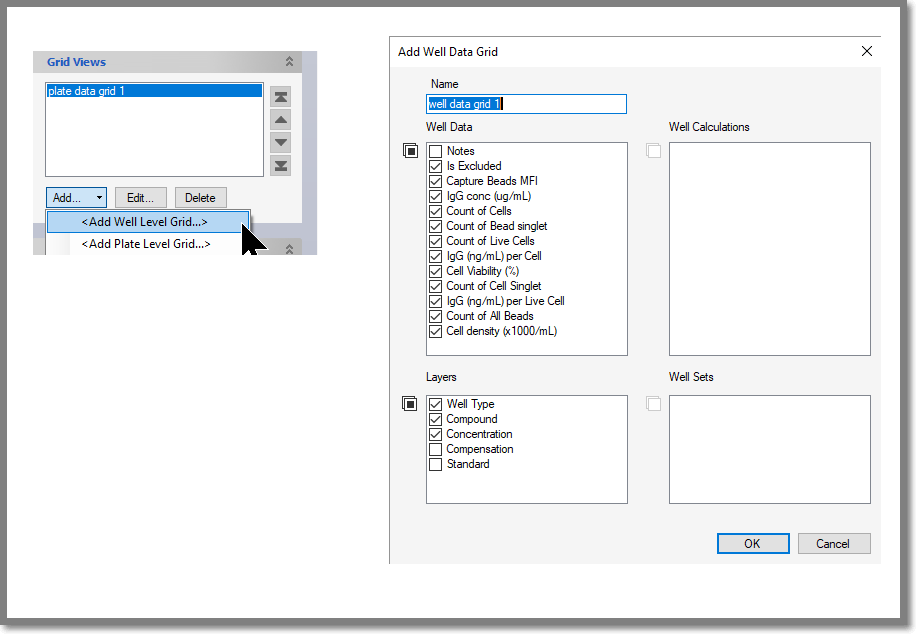
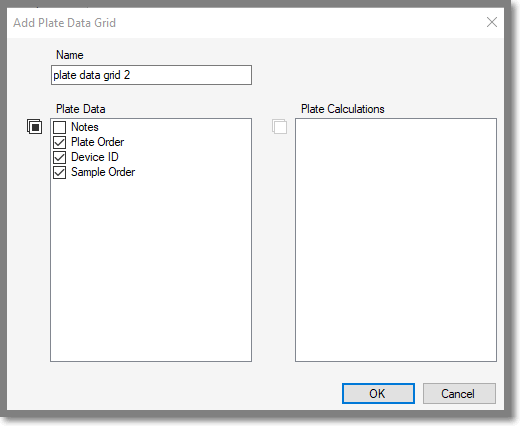
When adding a Plate Data Grid, you’ll be prompted for a grid name, which by default is plate data grid 1. You can also select which columns of data will appear in the grid including Plate Data and Plate Calculations. Plate Data comes from ForeCyt and includes the plate notes, the sample order, the device ID, and the well sample type. Plate calculations are created within Panorama.
When creating a Data Grid, only columns that have data are checked by default.