|
ForeCyt Reference Guide (Version 8.1)
|
View Plate Summary
View Plate Summary reflects the data associated with the plate listed in the Plate box at the top of the screen. This will also be the plate selected in the Plate pane. If the plate has Notes associated with it, the Note icon will have lines, as shown in the magnifying circle in the following screenshot. If you hover the tool tip over the icon the first line of Notes displays. When you click on View Plate Summary a tabbed window, shown in the following screenshot, presents the various information associated with the plate.
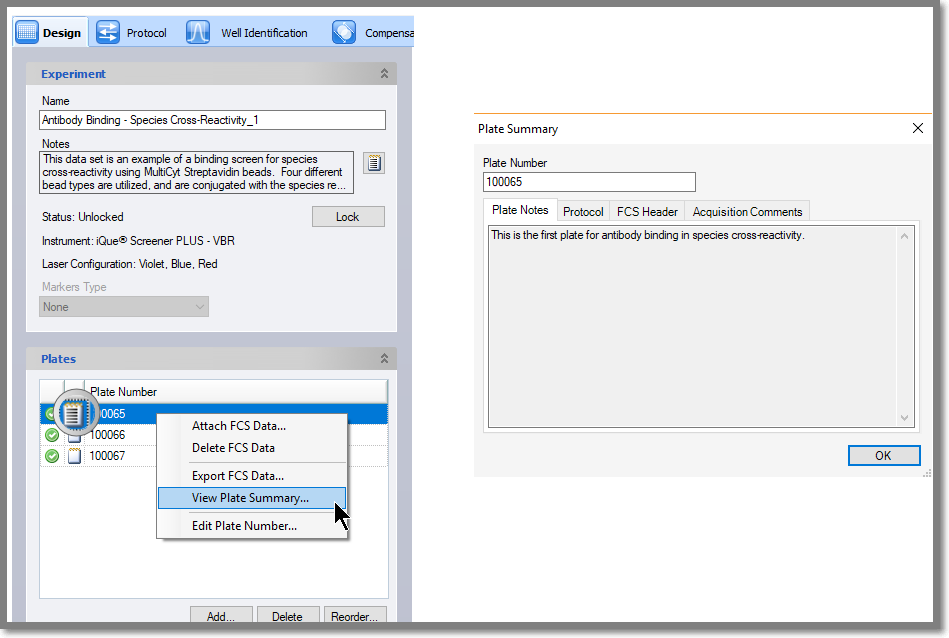
Plate Notes
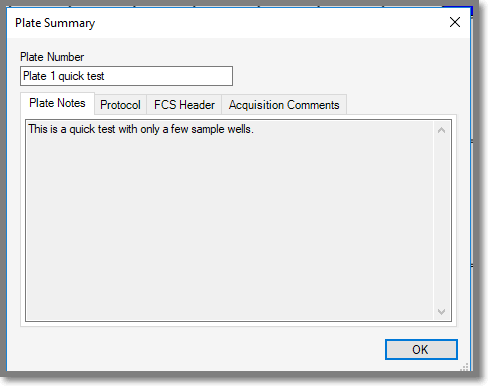
If you added Notes about your plate, they will be displayed here. To view the Plate Summary Plate Notes for another plate you must close it and open it for another plate.
Protocol (View Plate Summary)
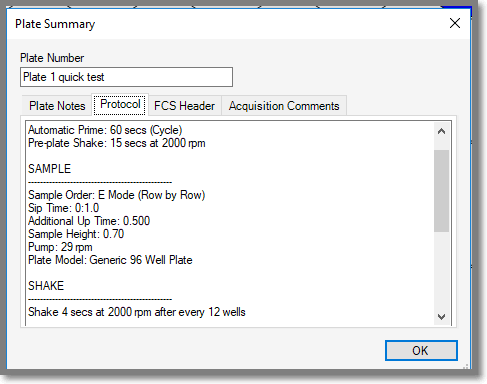
The protocol tab provides a plain-text summary of the sampling protocol that was used for plate data acquisition.
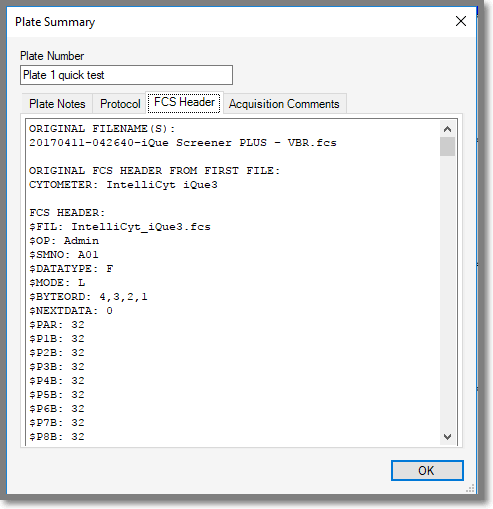
FCS Header
Acquisition Comments
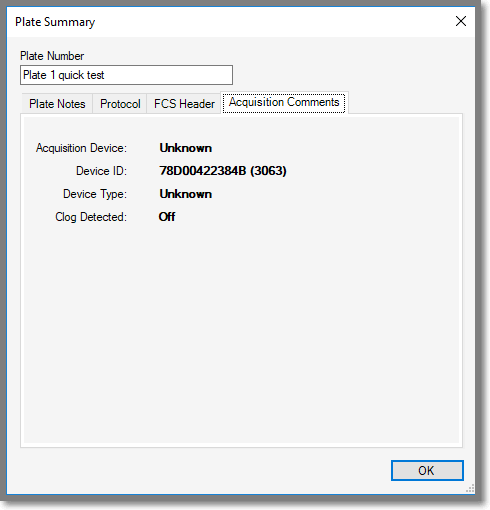
This pane provides acquisition information about your instrument. This information can be helpful to service technicians.
Edit Plate Number
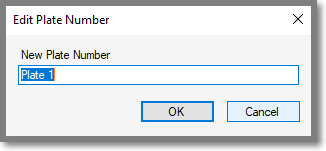
You can change the number and/or name of the plate. You can also access the Edit Plate Number dialog by double-clicking on the plate name.