|
iQue Forecyt® Reference Guide (Version 9.0)
|
Change Color: Panorama Spectrum
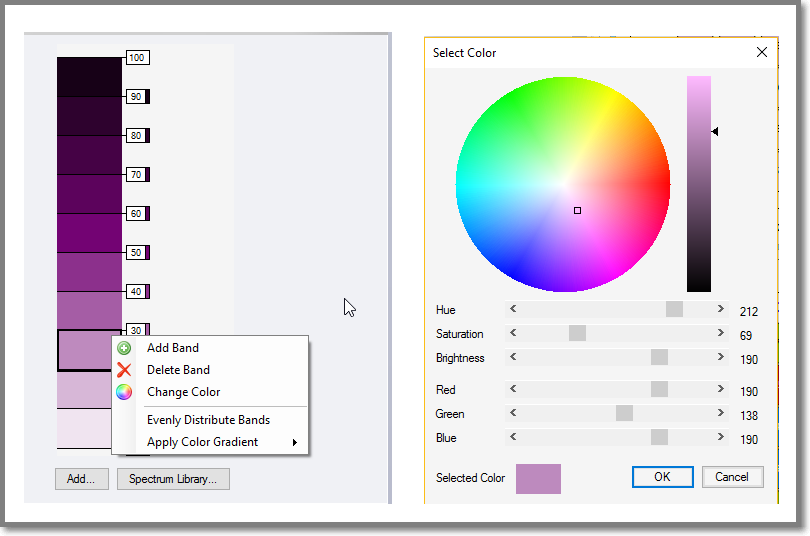
To change a band color, click Change Color. The color wheel opens and the process is the same as Add Color.
Evenly Distribute Bands: Panorama Spectrum
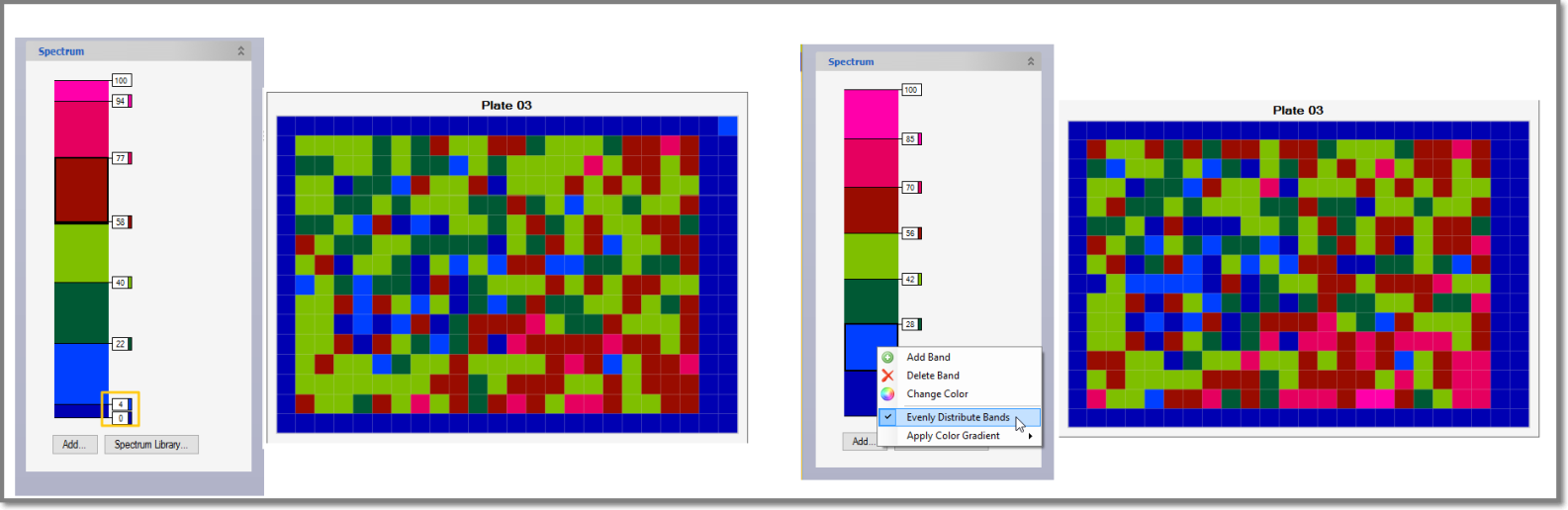
You can adjust the distribution of the bands by clicking on the number boxes and sliding the band. As shown in the following screenshot, the 4 and 0 bands are close together. Clicking Evenly Distribute Bands shifts them back to the default and changes the appearance of the Heat Map.