|
iQue Forecyt® Reference Guide (Version 9.0)
|
Purge Fluidics

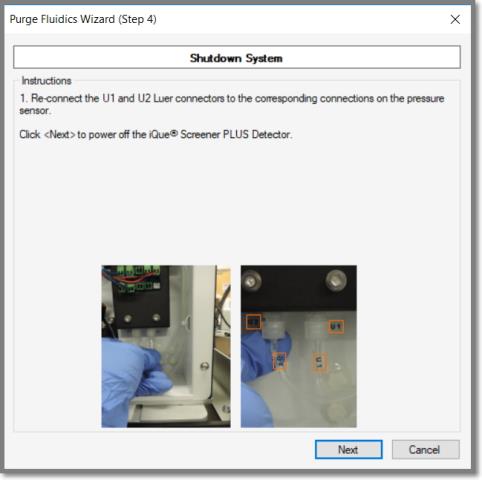
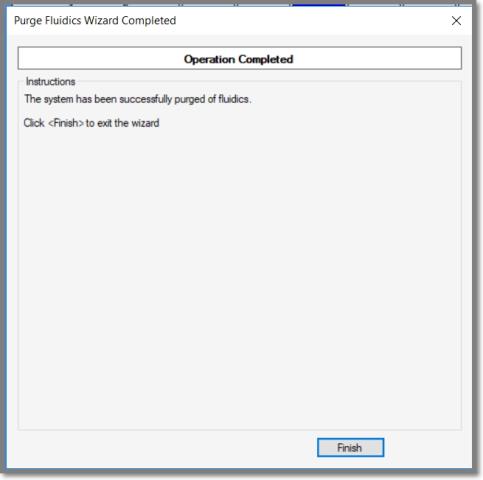
If you have to move, or store your iQue3/iQue PLUS for longer than one month, you must remove all fluids from the lines using Purge Fluidics. We strongly recommend that you Purge Fluidics for even a short move within the lab to prevent potential problems with air bubbles in the lines. For shipping removing all fluids from the instrument prevents bacterial growth and protects the fittings and lines from freezing if shipped during cold weather. The helpful Purge Fluidics Wizard will guide you through the process.
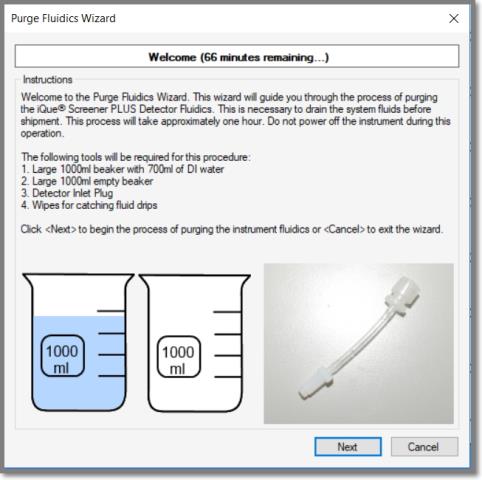
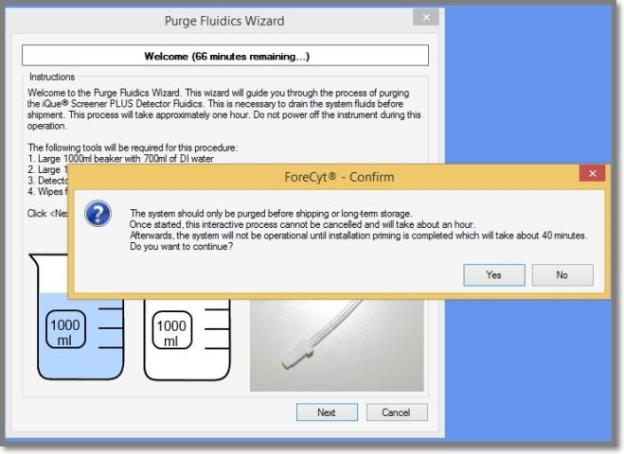
Because this is a process that will render your instrument inoperable, you will be prompted before the process executes
You'll first flush the fluids from the instrument. The wizard will inform you how much time each step takes. A green progress bar will count the time during the process.
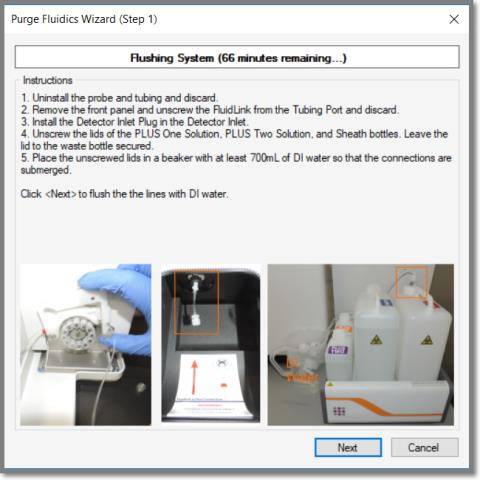
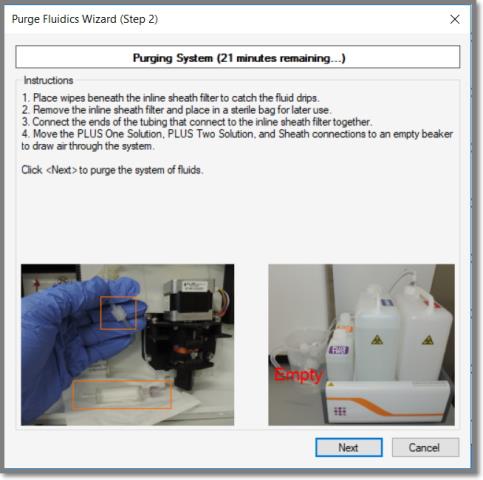
When you click next a green progress bar begins to count the time left in the process.
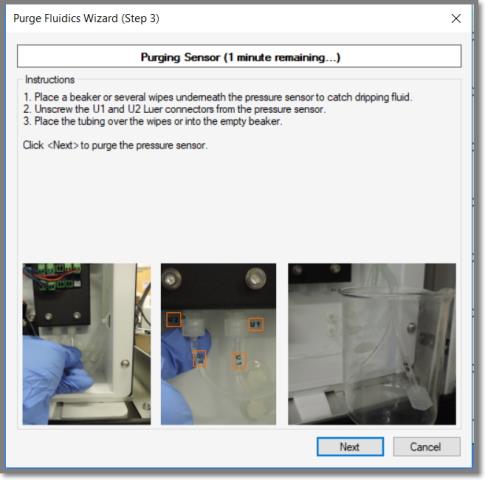
When you click Next, a Purging Sensor progress bar begins to count the time left in the process.