|
iQue Forecyt® Reference Guide (Version 9.0)
|
Import/Export Compounds
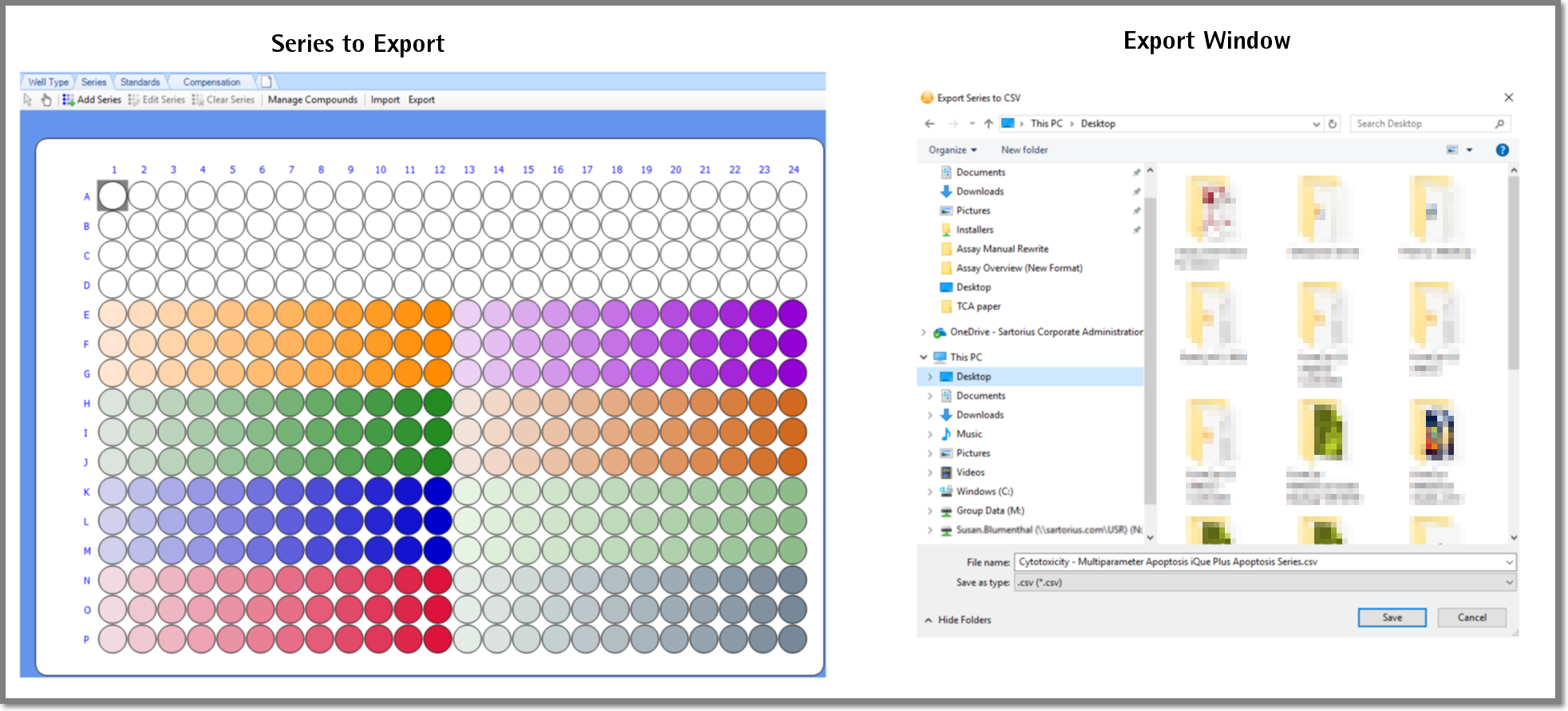
You can Export Compounds from a Design layer in one experiment and Import Compounds in another experiment. This is a real time-saver for Series or Standards you use in multiple experiments. As shown in the following screenshot when you select Export a window opens and you specify the location to save the .csv file. iQue Forecyt® uses the experiment name as the default file name but you can change it if you choose. After you click Save, iQue Forecyt® returns a confirmation message.
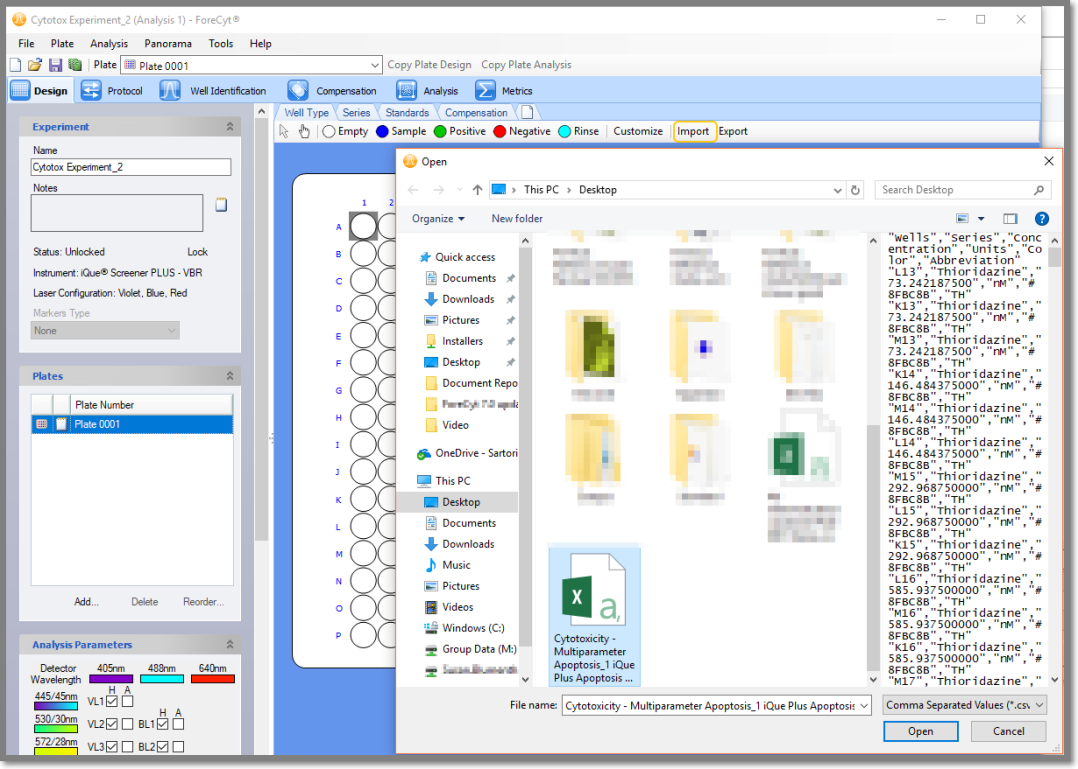
To import Compounds, select a previously exported .csv file with the compounds.
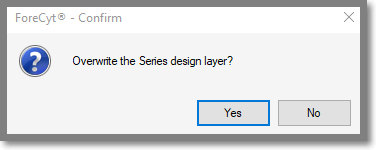
If your experiment already has Series or Standards and you try to Import another one, iQue Forecyt® will confirm you want to overwrite the existing Series or Standards.